How to Connect Marketo Programs to Mobly Events
Learn how to link your Marketo program directly to your Mobly Event. This guide walks you through linking the two platforms and setting status updates to ensure seamless lead tracking.
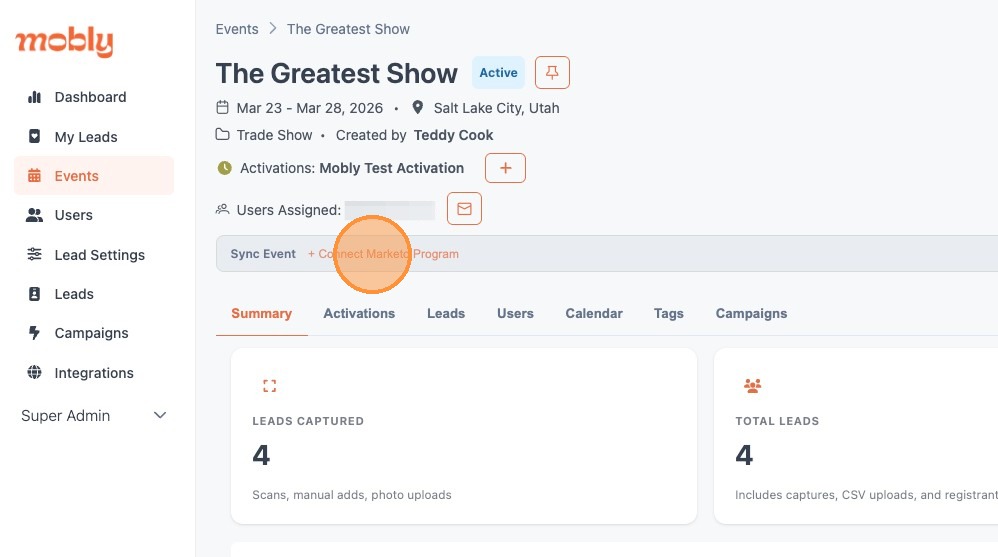
1. From within your Mobly Event, click "+ Connect Marketo Program"
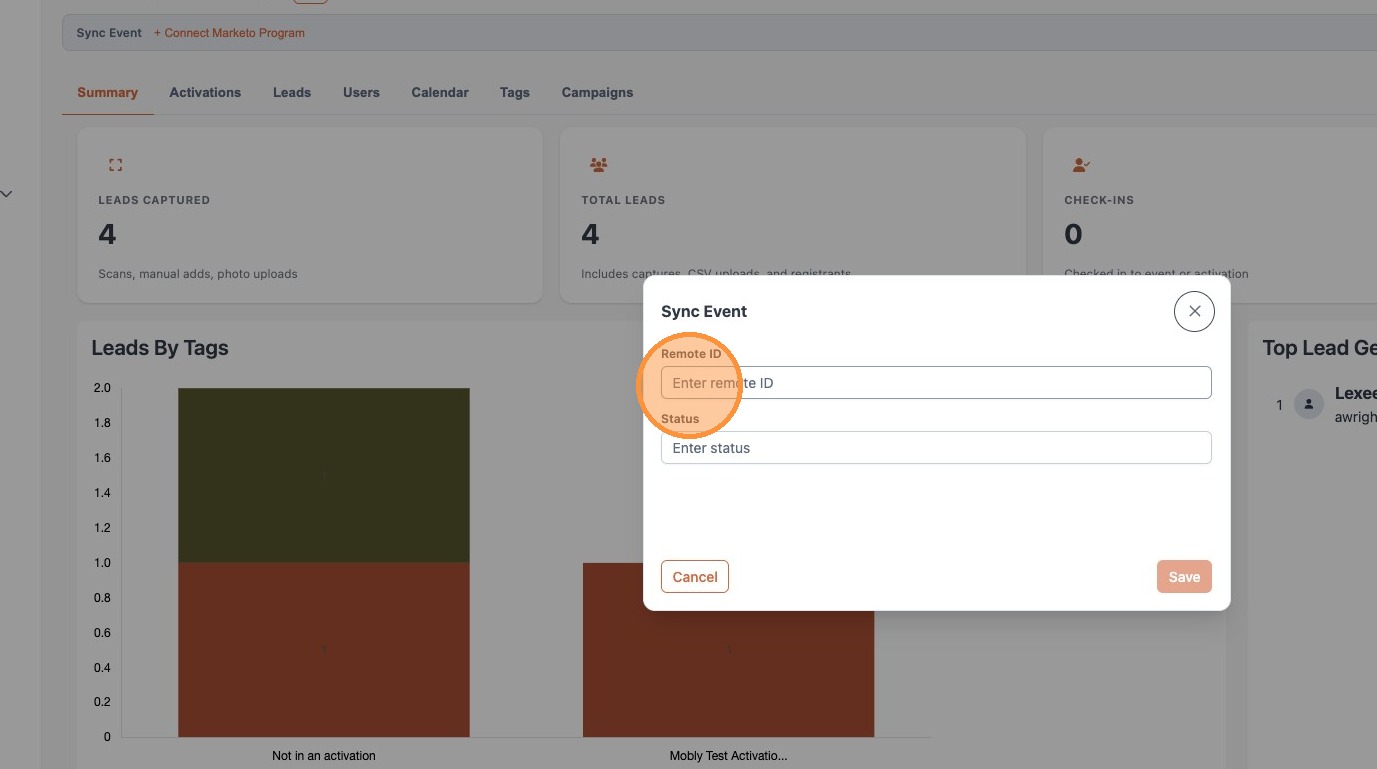
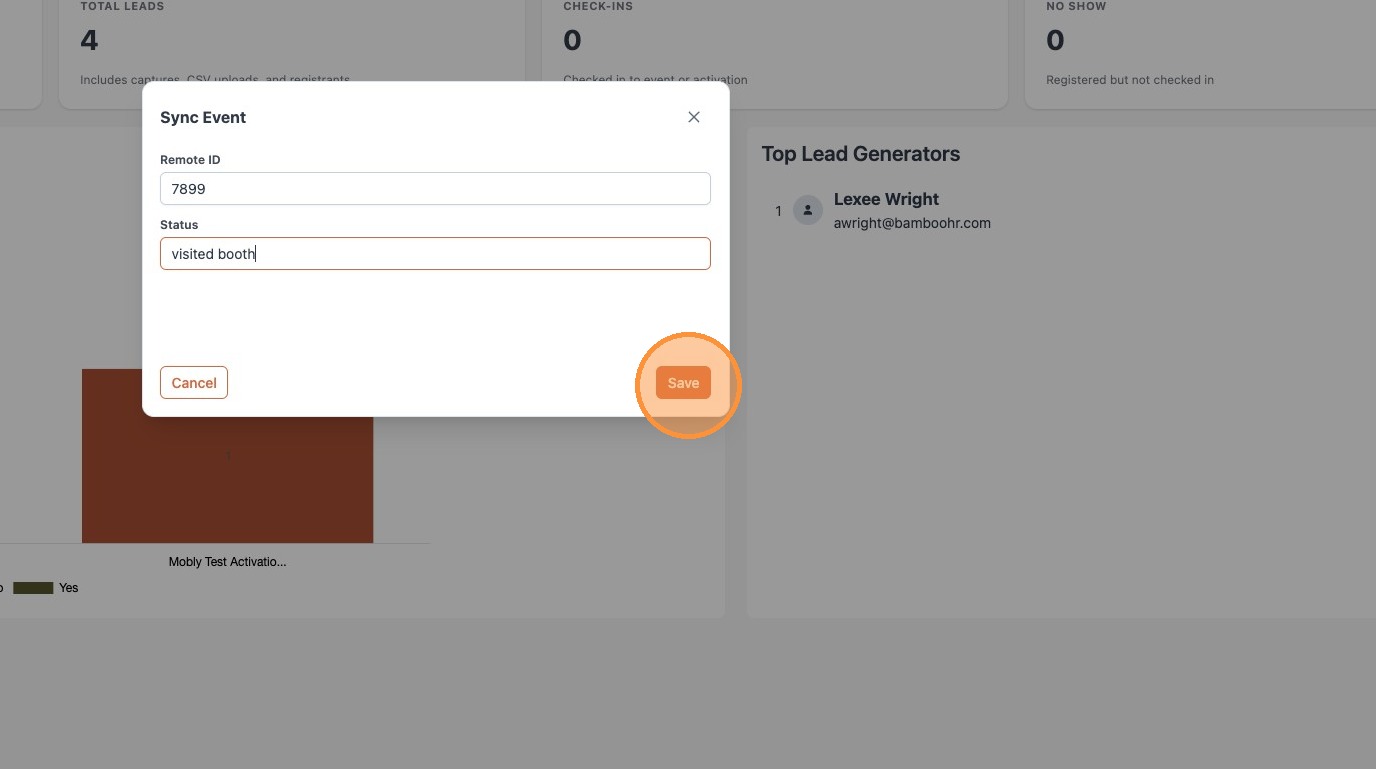
2. Enter the 4-5 digit Program ID from Marketo. It can be found at the end of the Program's URL.
Ex: If the URL ends in "AB1234C1" the Program ID is the 4 numbers in the middle, "1234".
3. Enter the desired status for scanned leads. This needs to match one of the available statuses in Marketo.
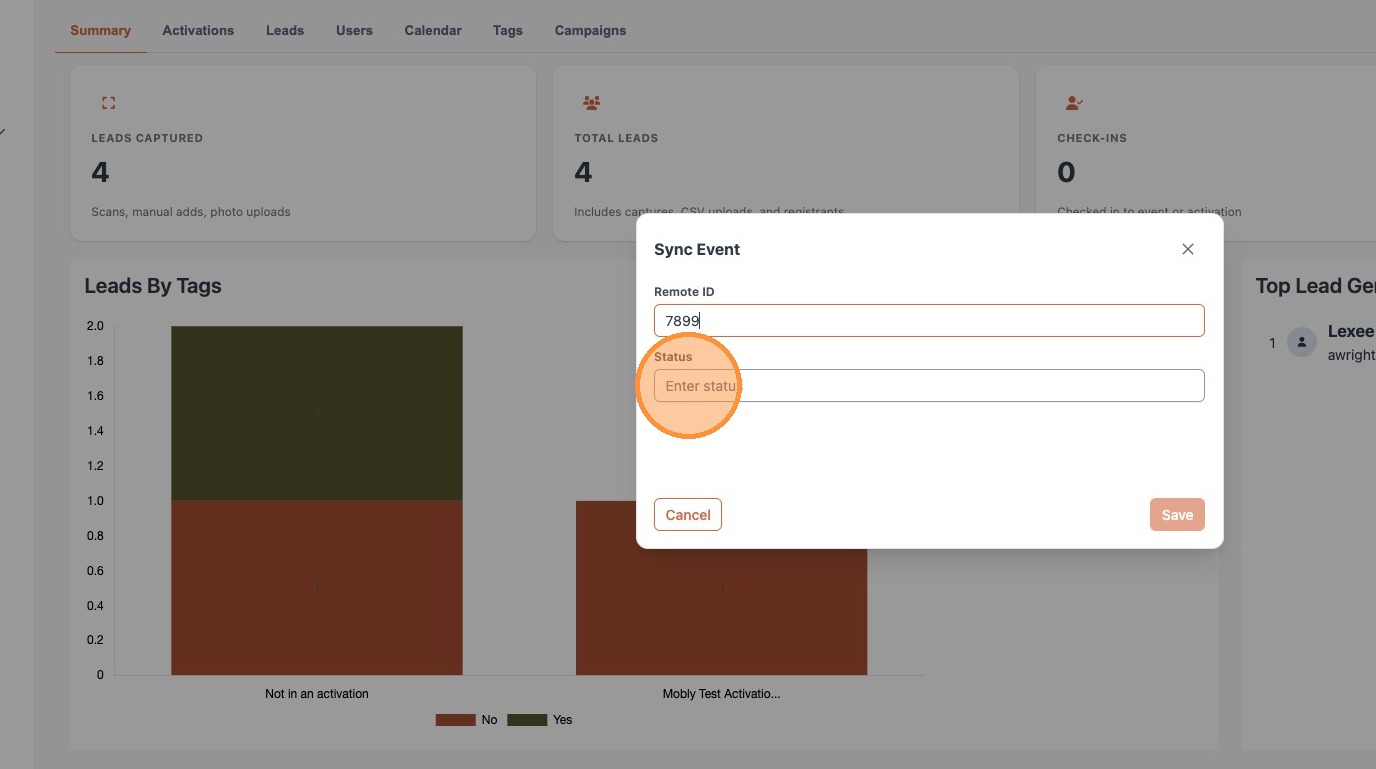
4. Click "Save"
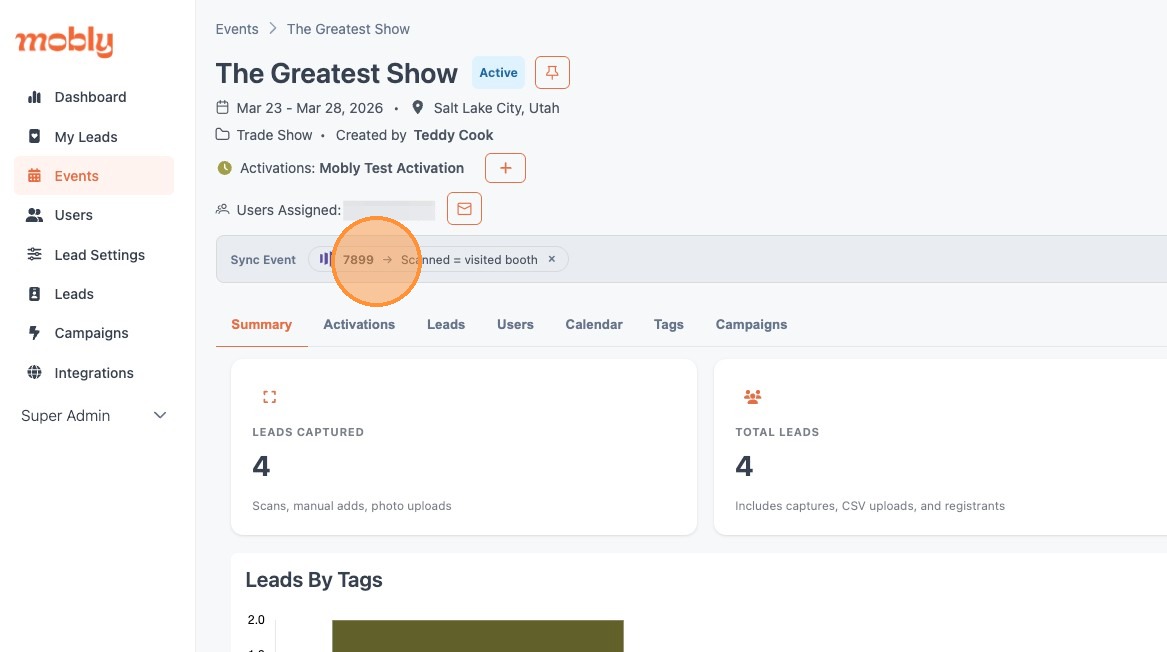
5. Once saved, you can see the synced program and status from the main Event screen.