How to Connect Salesforce Campaigns to Mobly Events
Learn how to integrate your Salesforce campaigns with Mobly to streamline your event management process. This guide provides the necessary steps to sync your event data effectively and ensure your CRM is up to date.
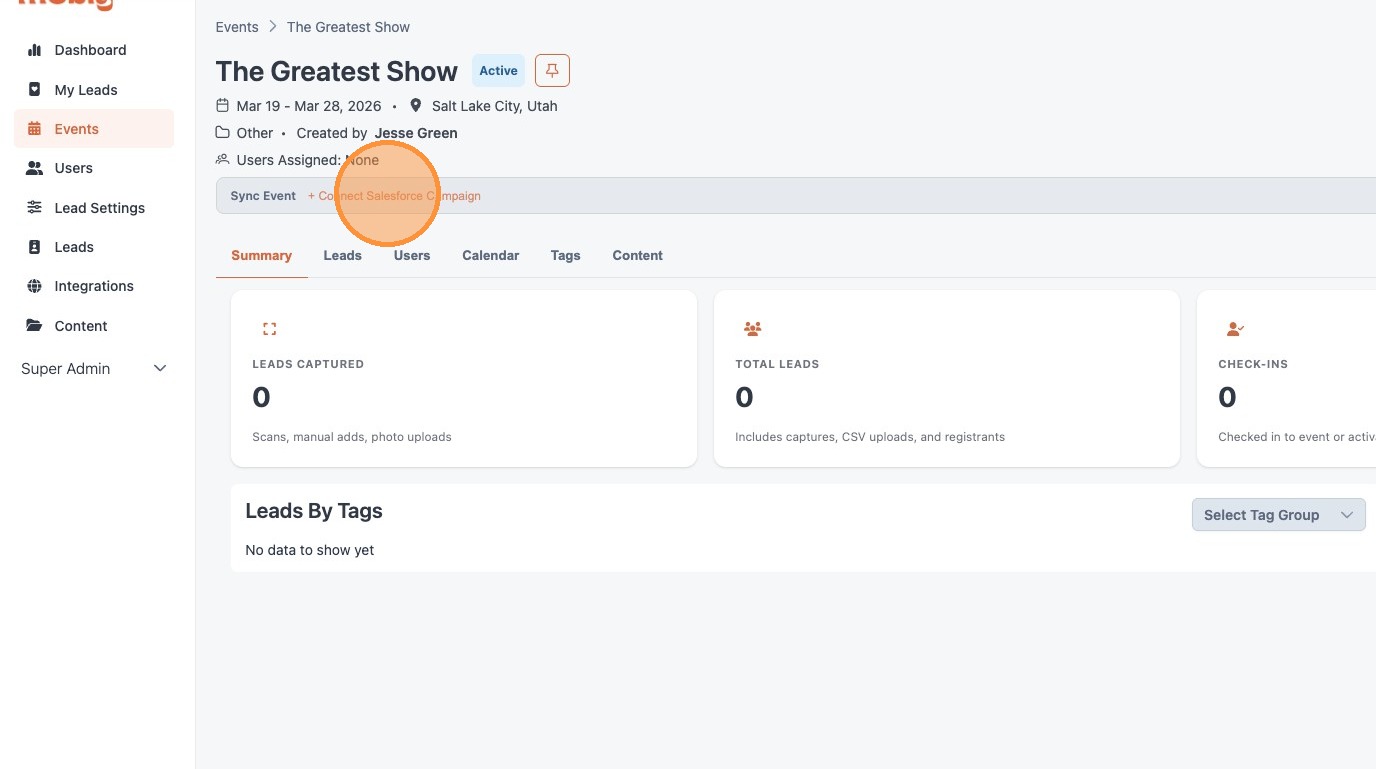
1. From the Mobly Event, click "+ Connect Salesforce Campaign"
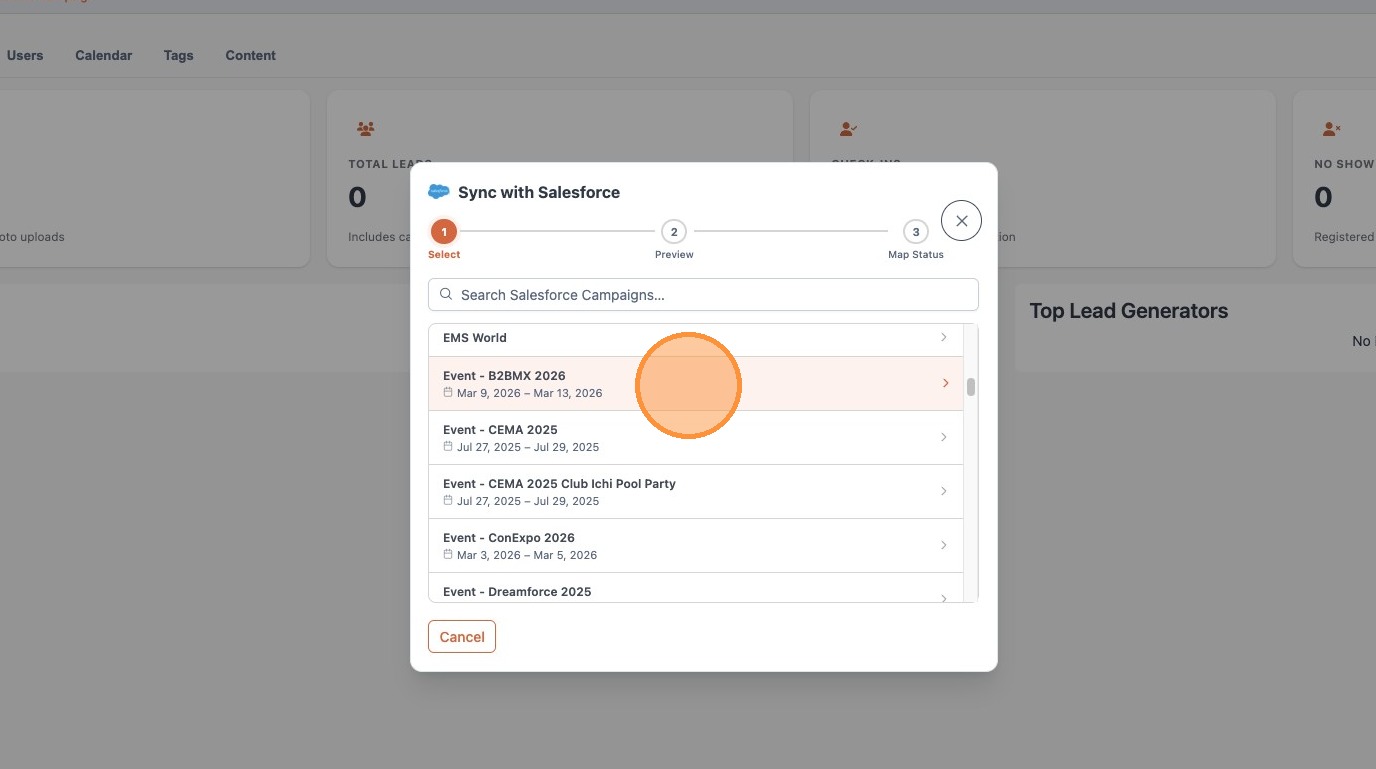
2. Find the existing Salesforce campaign you would like to associate Mobly leads with.
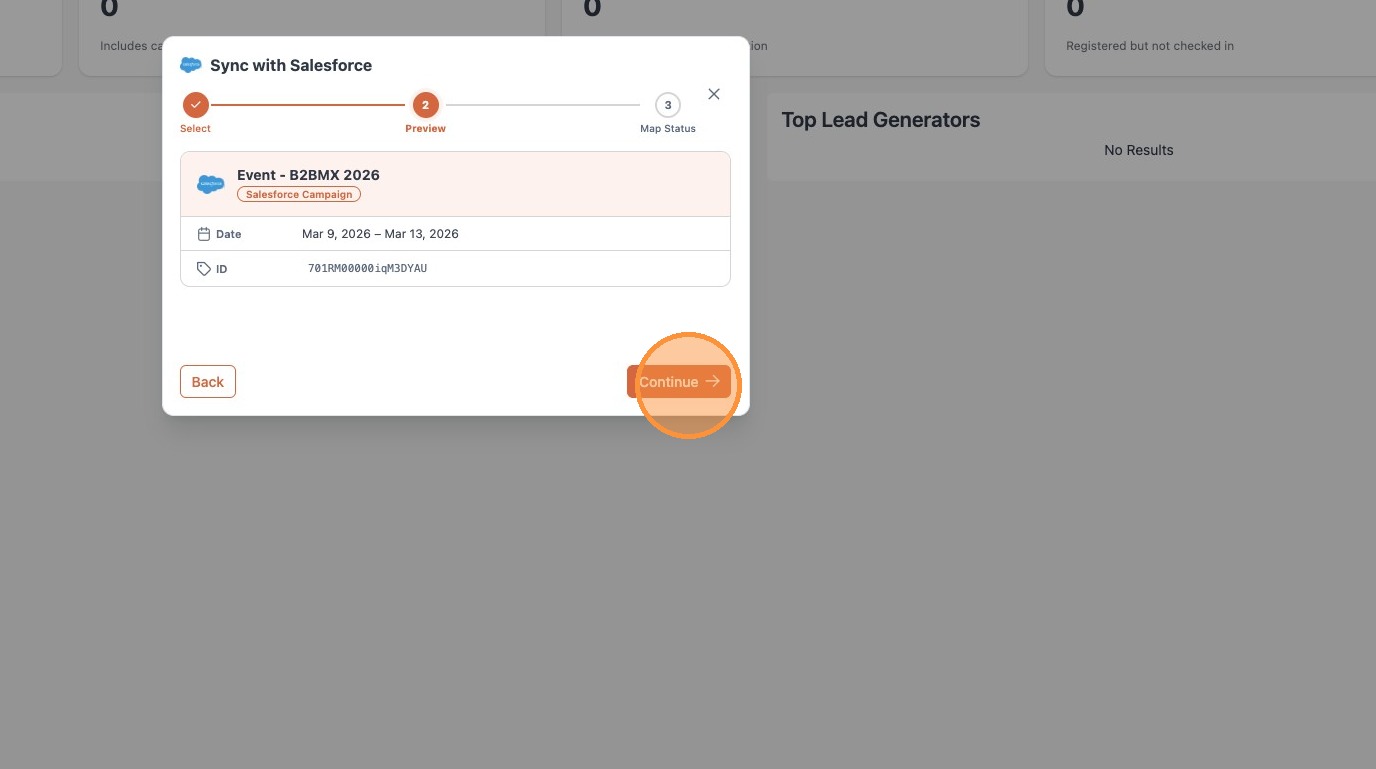
3. Verify the campaign details
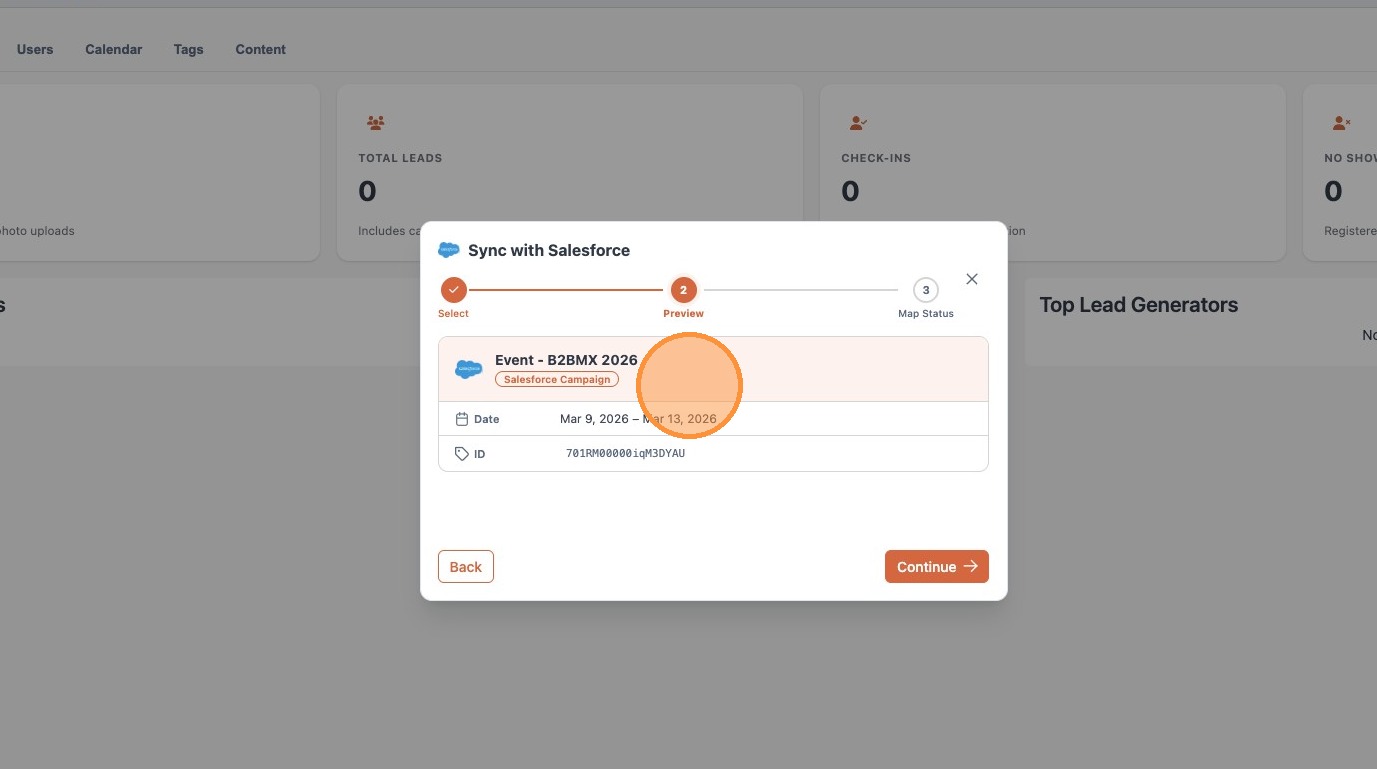
4. Click "Continue"
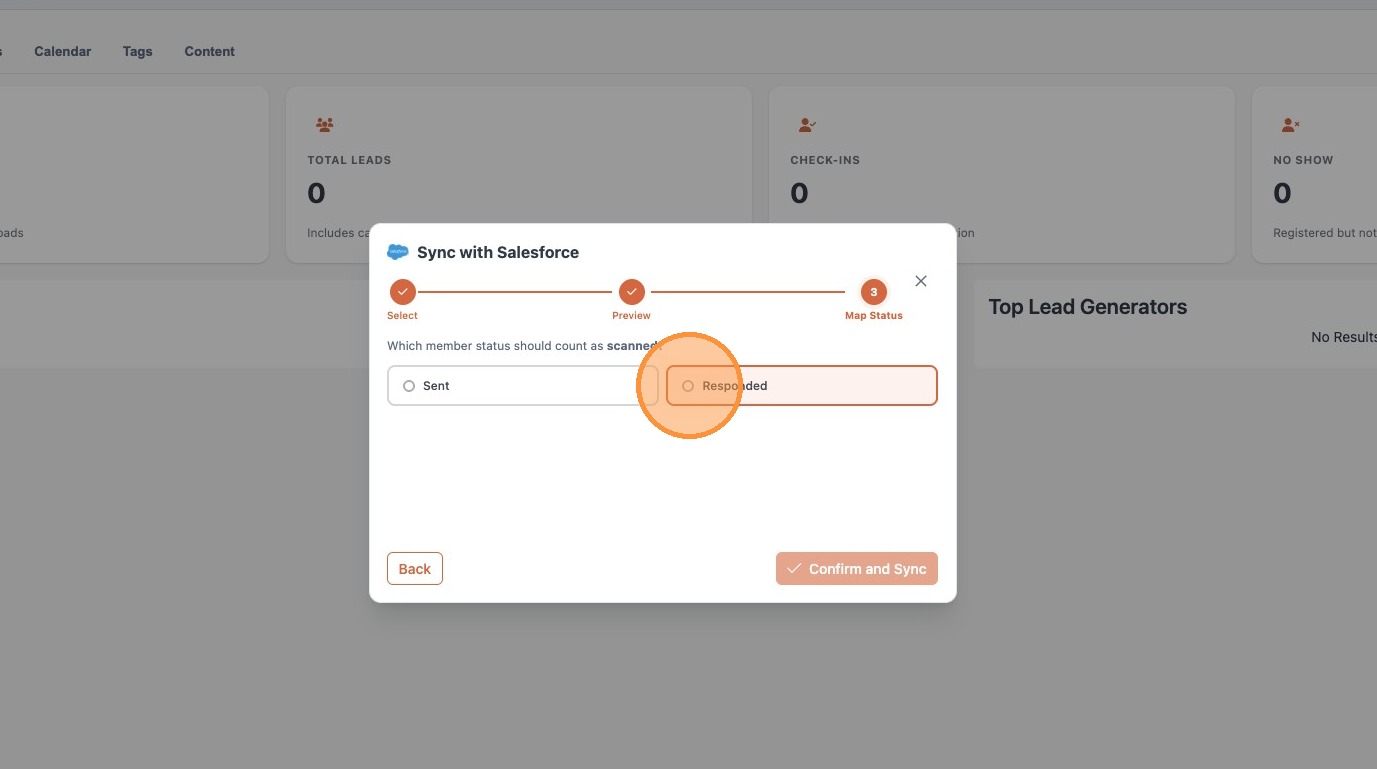
5. Choose the status for scanned leads
6. Click "Confirm and Sync"
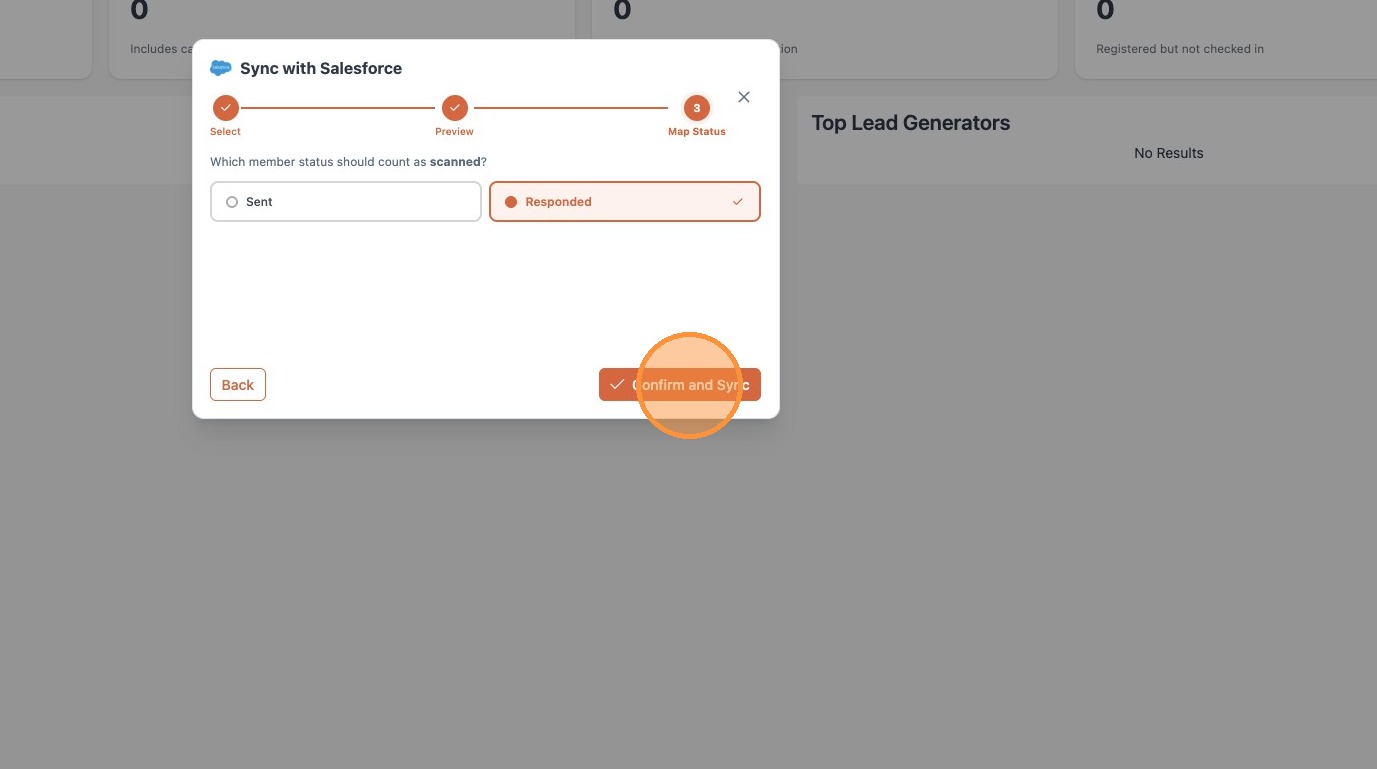
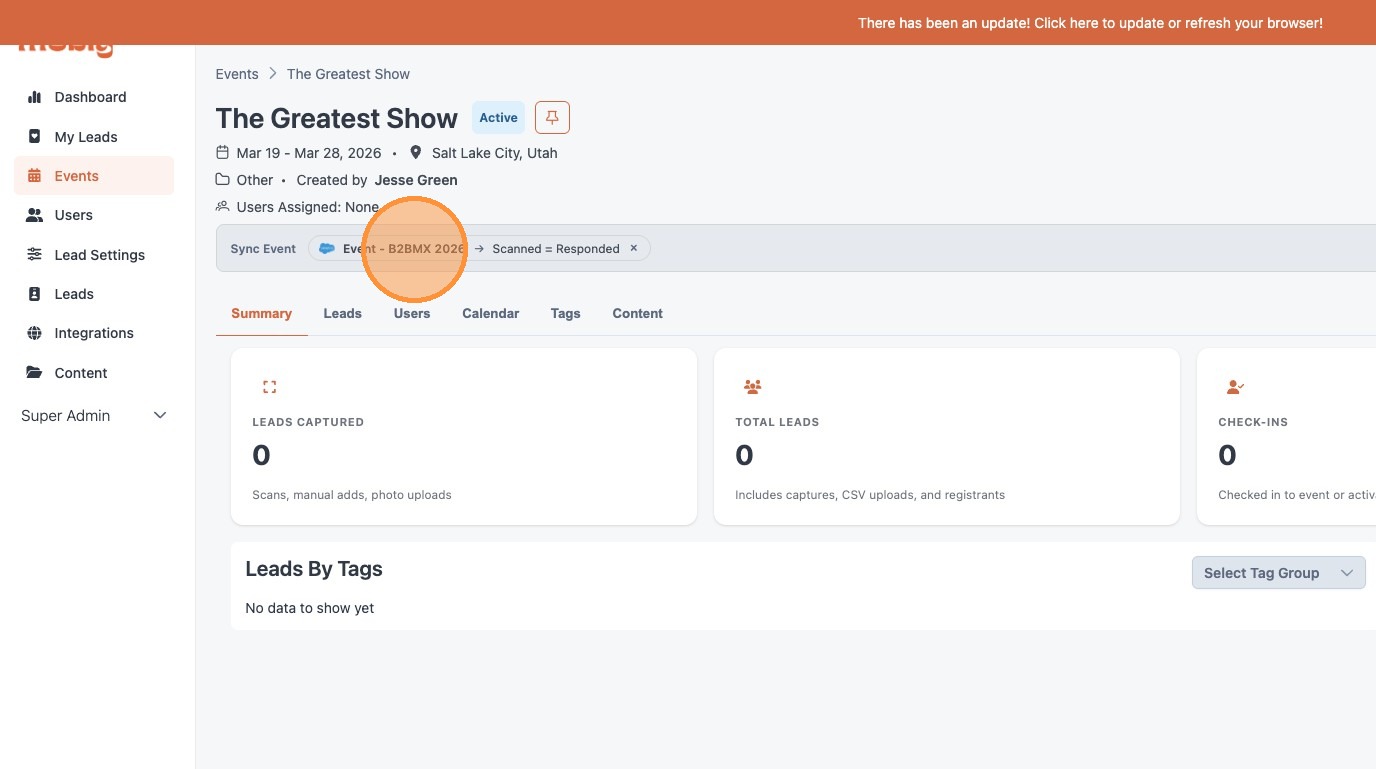
7. The synced Salesforce campaign and status can be viewed from within the Mobly Event